#13
Array.from()
Champ2025.12.18 16:09created at 2025.12.18 16:09updated at 2025.12.18 16:09 0 次阅读
0 次阅读
0 次阅读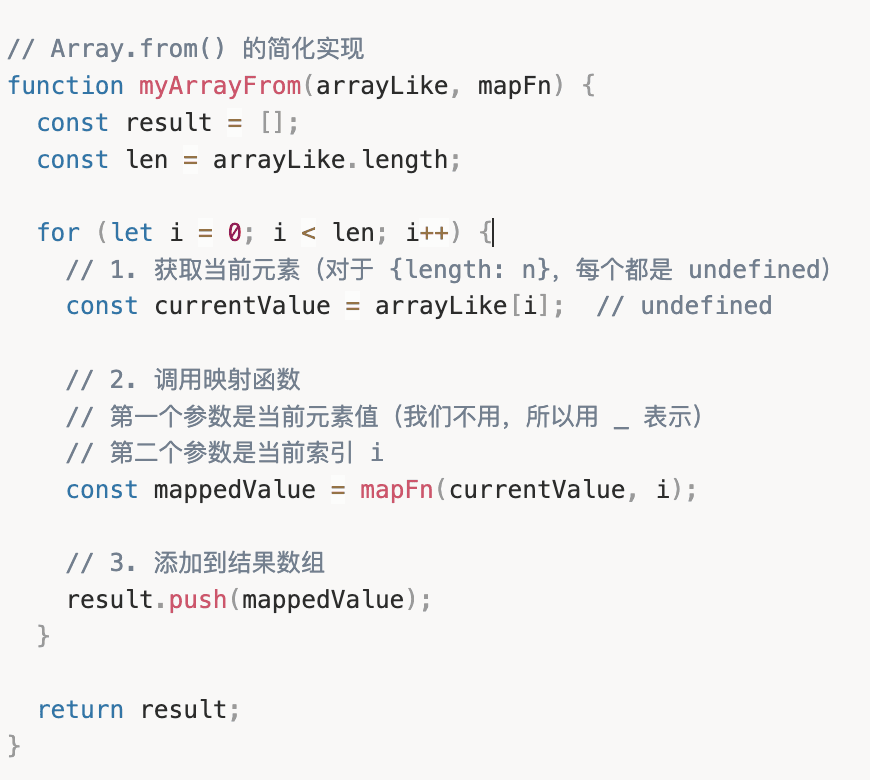
Array.from()学习笔记
传入两个参数,一个数组(或类数组),一个映射函数。功能是对于数组的每个元素,执行一次映射函数。
映射函数两个参数,一个数组中当前的元素,一个当前的下标(从0开始)。
// Array.from() 的简化实现
function myArrayFrom(arrayLike, mapFn) {
  const result = [];
  const len = arrayLike.length;

  for (let i = 0; i < len; i++) {
    // 1. 获取当前元素(对于 {length: n},每个都是 undefined)
    const currentValue = arrayLike[i];  // undefined

    // 2. 调用映射函数
    // 第一个参数是当前元素值(我们不用,所以用 _ 表示)
    // 第二个参数是当前索引 i
    const mappedValue = mapFn(currentValue, i);

    // 3. 添加到结果数组
    result.push(mappedValue);
  }

  return result;
}

// 不使用mapFn(第一个参数)的示例
const myArr = myArrayFrom({ length: 3 }, (_, i) => i);
console.log(myArr); // [0, 1, 2]

//使用mapFn(第一个参数)的案例
const numbers = [10, 20, 30, 40];

// 需要 currentValue 来进行计算
const doubled = Array.from(numbers, (value) => value * 2);
console.log(doubled); // [20, 40, 60, 80]

// 复杂转换
const formatted = Array.from(numbers, (value, index) =>
  `Item ${index + 1}: $${value}`
);
console.log(formatted); // ["Item 1: $10", "Item 2: $20", ...]
为什么使用类数组
// 对比不同写法
const arr1 = Array.from({ length: 3 }, (_, i) => i);  // ✅ 最简洁
const arr2 = Array.from(Array(3), (_, i) => i);      // ❌ 创建稀疏数组
const arr3 = Array.from(new Array(3), (_, i) => i);  // ❌ 同上
const arr4 = Array.from([,,,], (_, i) => i);         // ❌ 难以阅读

// 类数组对象的核心特征就是有 length 属性
const arrayLike = {
  0: 'a',
  1: 'b',
  2: 'c',
  length: 3  // 这就是让它"像数组"的关键
};

// Array.from 可以将其转为真正的数组
const realArray = Array.from(arrayLike);
console.log(realArray); // ['a', 'b', 'c']

// 所以 { length: 3 } 是最简化的类数组对象
Array.from函数会直接读取这个“类”数组的长度n,并在0-n-1范围内依次迭代
每次迭代为当前元素执行一次mapFn,但由于当前元素为undefined,因此使用"_"省略,只返回index的值